- Published on
Smarter tag management, PWA support, and new integrations
- Authors
- Name
- Denis Dvali
- GitHub
- @denho
We’ve shipped a series of powerful updates to Faved — and this one is a big leap forward. From faster organization and smarter tagging to installing Faved like a native app, here are the highlights you shouldn’t miss:
Smarter, faster tag management
This is our biggest upgrade to tags yet. You can now search and filter tags instantly in the sidebar, and see how many items each tag contains at a glance, so finding the right tag in a large collection takes seconds rather than scrolling.
Nested tags have become far more powerful, too. Rollups now include content from child tags, and when you're building a hierarchy you choose a tag's parent from a dedicated picker instead of encoding it in the name. Cleanup is simpler as well: deleting a tag with children removes all of its nested tags automatically, with no manual tidying afterward. And since we've lifted the old restriction, nested tags can now be pinned just like any other.
Editing tags is smoother and more intuitive across both desktop and mobile. The tag edit form has been redesigned as a popover on desktop and a drawer on mobile, with an improved combobox that makes selecting tags faster in both single-item edits and bulk actions. You can also add descriptions to your tags now, which appear in tooltips throughout the interface to give every tag a little extra context.
Altogether, it makes organizing even large collections feel fast and under control.
Install Faved like an app (PWA support)
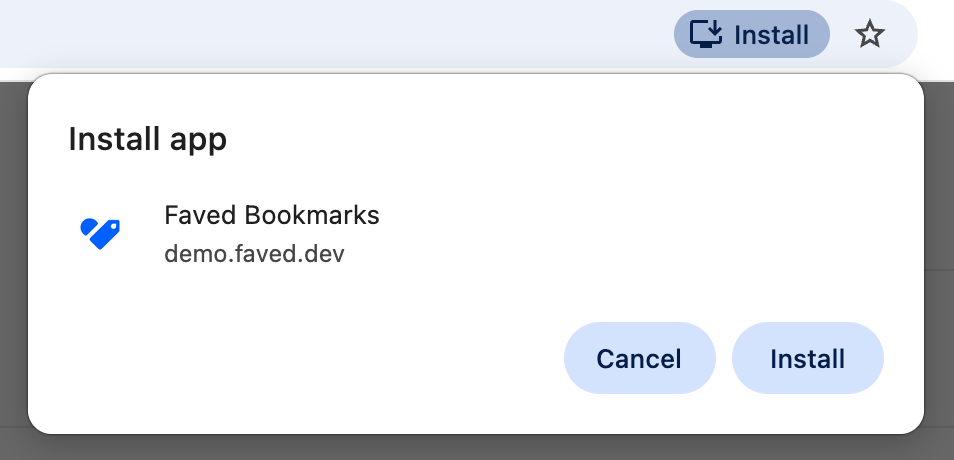 Faved is now a Progressive Web App, which means you can install it directly on your desktop or mobile device and use it just like a native app. It opens faster, stays out of your browser clutter, and feels much more focused — making it easier to jump in and save or organize links anytime.
New integrations hub
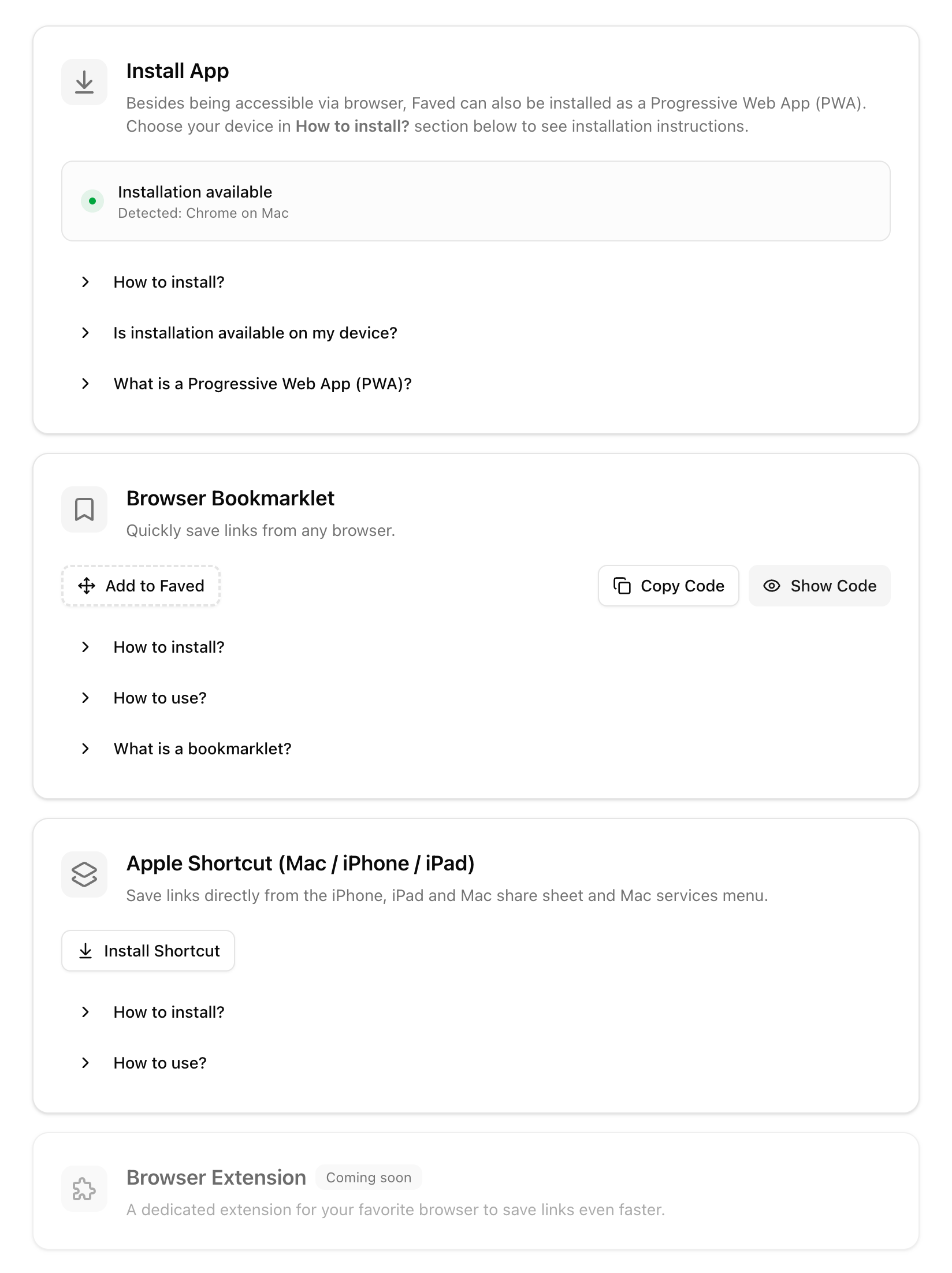 We’ve introduced a dedicated Integrations page to make getting started and extending Faved much simpler. Instead of hunting for setup options, you now have a single place to install apps, connect extensions, and explore available workflows — all organized and easy to access whenever you need them.
Send links instantly with Apple Shortcuts
With the new Apple Shortcuts integration, you can send links straight to Faved from the share sheet on iOS, macOS, or iPadOS. It fits naturally into your existing workflow, so capturing ideas or resources takes just a tap, no matter which app you’re in.
Resizable sidebar
On desktop, you can now drag the edge of the sidebar to resize it to whatever width feels right. Give your tags and folders more room to breathe when you're organizing, or narrow it down to keep the focus on your content. Faved remembers your preferred width, so the layout stays just the way you like it every time you come back.
🔄 How to Update
If you're on the cloud version, good news — you're already up to date! These features are live in your account automatically, no action needed.
If you're self-hosting, simply follow the step-by-step instructions to update your Faved instance to the latest version.
📜 Full Changelog
In addition to the key features above, there've been several smaller improvements and refinements. Check out the complete list in the changelog.
💬 We'd Love to Hear from You!
Your feedback is invaluable to us. Feel free to ask questions, suggest ideas, or start discussions on any topic in our community on GitHub or Discord.